
Via Browser Free 4.03 MB 7.1.0
You can now download the App For Free.
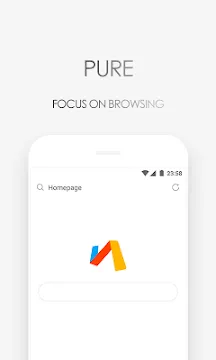
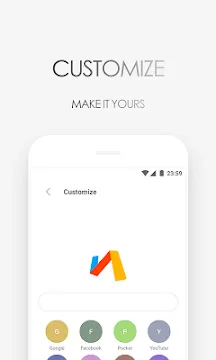
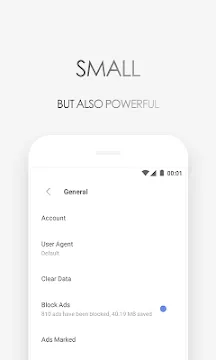
Via Browser is a minimalist web browser designed for users who value speed and simplicity. In an era where mobile apps often consume gigabytes of storage, this tool takes a different path. It offers a tiny installation size without sacrificing essential features. Most people want a browsing experience that... Read more
Screenshots

How To Install APK Files On Android Devices
APK stands for Android Package Kit, and it’s basically a way to install apps on your phone without using the Play Store.
Enabling Unknown Sources:
- Open Settings on your Android device.
- Tap on “Security” or “Apps & notifications” (depending on your Android version).
- Find the setting called “Unknown sources” and toggle it on.
- You might see a warning message – that’s okay, just tap “OK” to confirm.
Installing the APK:
- Download your APK file from a trusted source.
- Open your device’s file manager app (like “Files” or “Downloads”).
- Tap on the downloaded APK file.
- You’ll see a prompt asking you to confirm the installation. Tap “Install”.
- The app will start installing. It might take a few minutes depending on the size of the app.
- Once it’s done, tap “Open” to launch the new app!
With these steps, you can easily install APK files on your Android device.